Download Summertime Saga for macOS – & Setup Guide for Mac Users

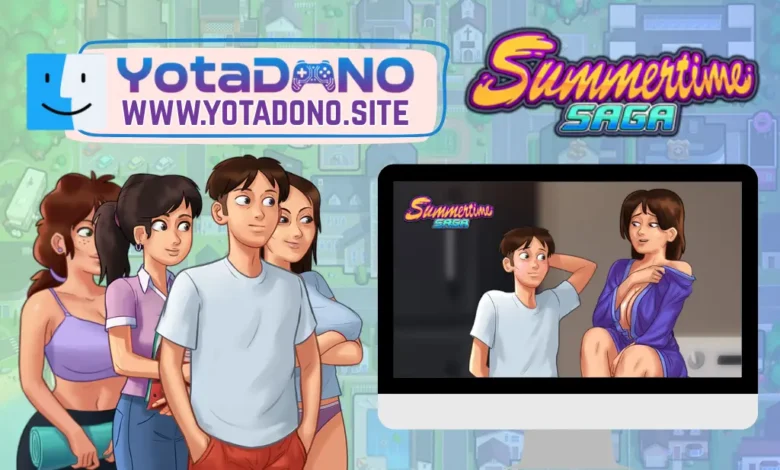
Summertime Saga for macOS: High-Quality Gaming on Mac
While many interactive visual novels focus on Windows, Summertime Saga offers a dedicated and highly optimized experience for macOS users. Whether you are using an Intel-based Mac or the latest Apple Silicon (M1, M2, M3) chips, the game runs beautifully, taking full advantage of the high-resolution Retina displays.
Follow the story of a young student navigating a world of mystery and complex relationships, all while enjoying the sleek performance of the macOS environment.
| Feature | Details |
| Developer | DarkCookie & Team |
| Platform | macOS (Universal) |
| Current Stable Version | v0.20.16 |
| Current Preview Version | v21.0.0-wip |
| File Format | .dmg / .app |
| Category | Life Simulation / Visual Novel |
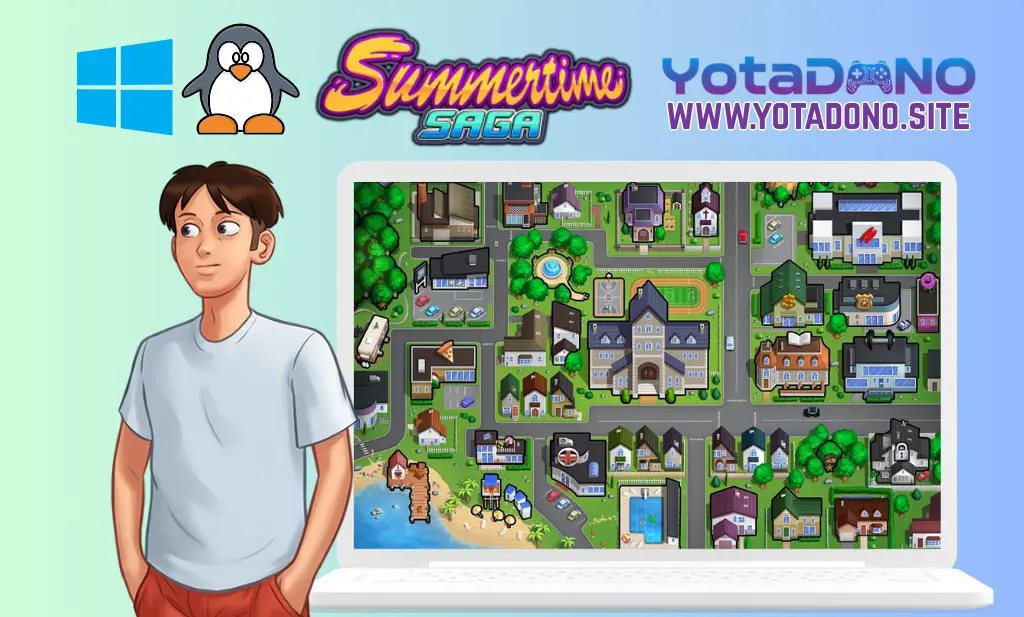
Why Play Summertime Saga on Mac?
The macOS version provides several advantages for players:
- Retina Display Support: The game’s hand-drawn art looks incredibly sharp and vibrant on Mac screens.
- Native Performance: Optimized to run efficiently without draining your battery or causing excessive fan noise.
- Seamless Integration: Easy installation through a standard DMG package, fitting perfectly into your Applications folder.
System Requirements (macOS)
To ensure a smooth experience on your Mac, check these requirements:
- Operating System: macOS 10.12 (Sierra) or later.
- Processor: Intel Core i3 or Apple Silicon (M1/M2/M3).
- Memory (RAM): 4 GB minimum.
- Storage Space: 2 GB of free space.
- Graphics: Metal-capable graphics or integrated Intel HD Graphics.
Installation Note for Mac Users
Since Summertime Saga is developed by an independent team, you may encounter the “App cannot be opened because it is from an unidentified developer” message. To fix this: Simply go to System Settings > Privacy & Security and click “Open Anyway” to launch the game for the first time.
Official Download Links
At Yotadono, we highly recommend using official links to ensure your Mac stays secure and you get the latest features.
Translations
Frequently Asked Questions (FAQ)
Does Summertime Saga run on Apple Silicon (M1/M2/M3)? Yes, the game runs perfectly on the latest Apple chips through Rosetta 2 or native compatibility in newer builds, offering incredible speed and efficiency.
Can I use my trackpad for gestures in the game? Absolutely. The macOS version supports trackpad navigation, making it easy to click through dialogues and interact with mini-games.
How do I update the game on my Mac? To update, simply download the latest DMG file from the official site, and replace the old version in your “Applications” folder. Your save files are stored separately and will not be lost.